

Pull Image Proxy Issue
จากภาพคือ error ที่ไม่สามารถ download library ที่ request ไปยัง domain dl-cdn.alpinelinux.org ได้ เนื่องจากติด proxy
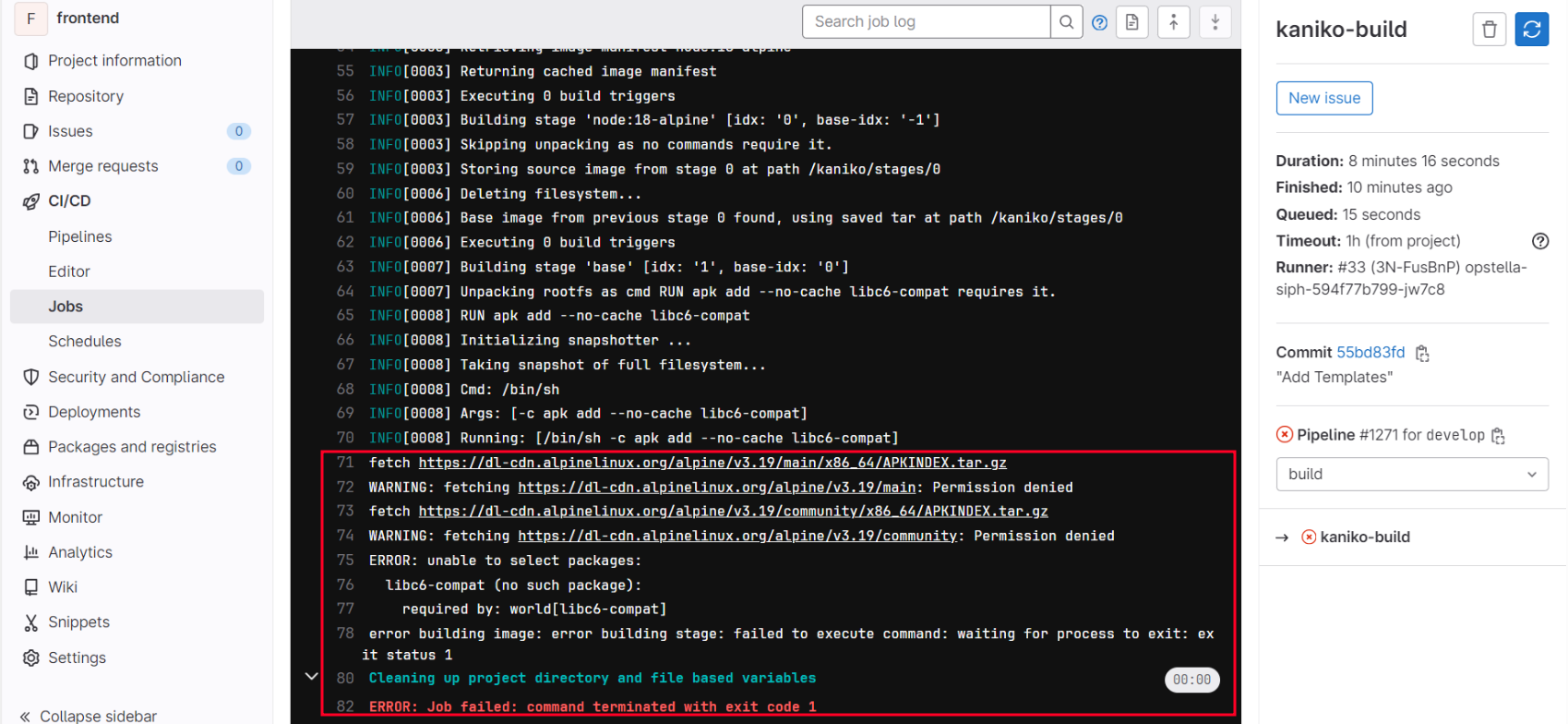
วิธีการแก้ไขเมื่อไม่สามารถดาวน์โหลด module ได้ เนื่องจากติด proxy
- เข้าไปหน้า Component Detail ของ Application ที่มีปัญหา
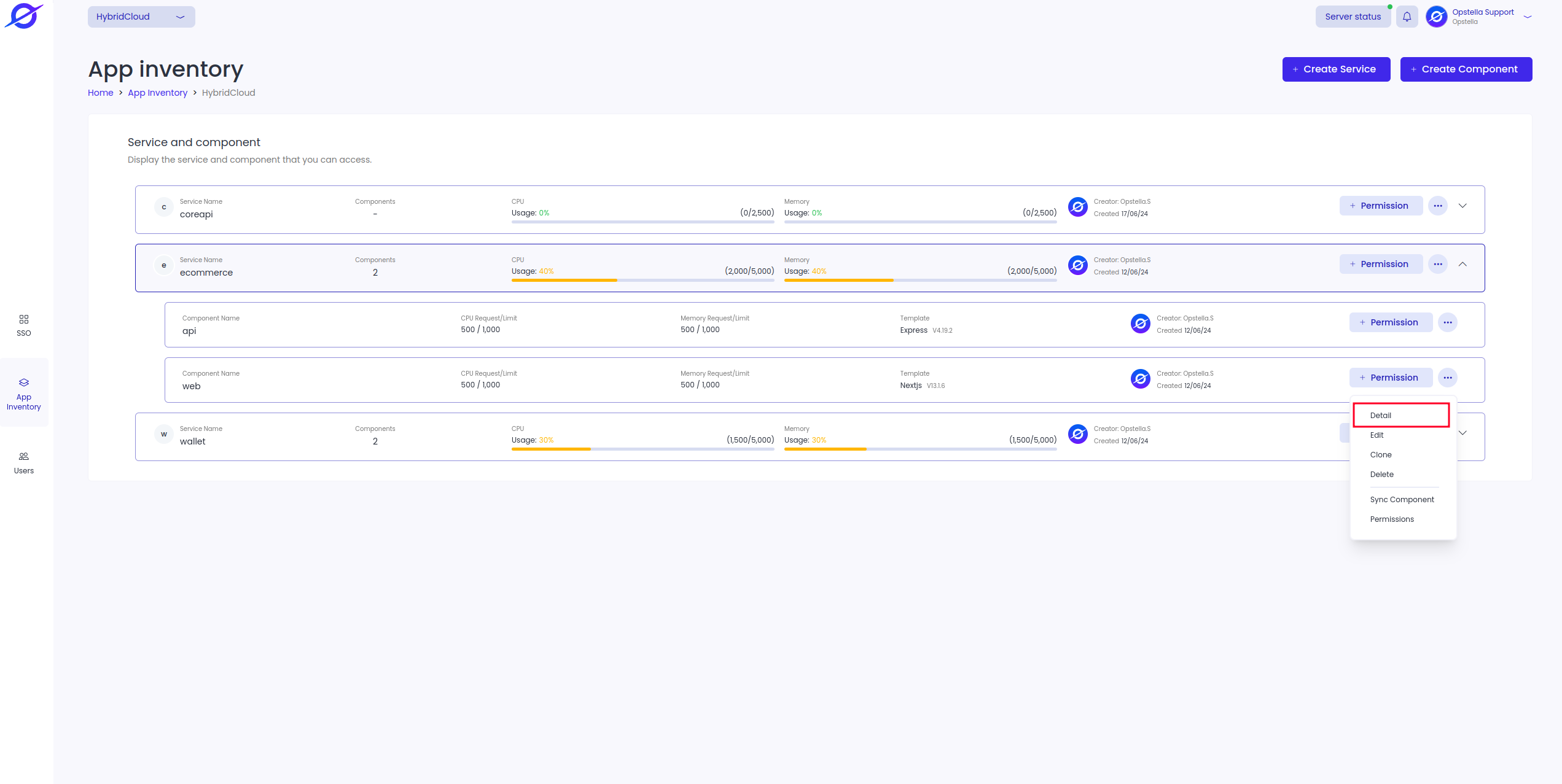
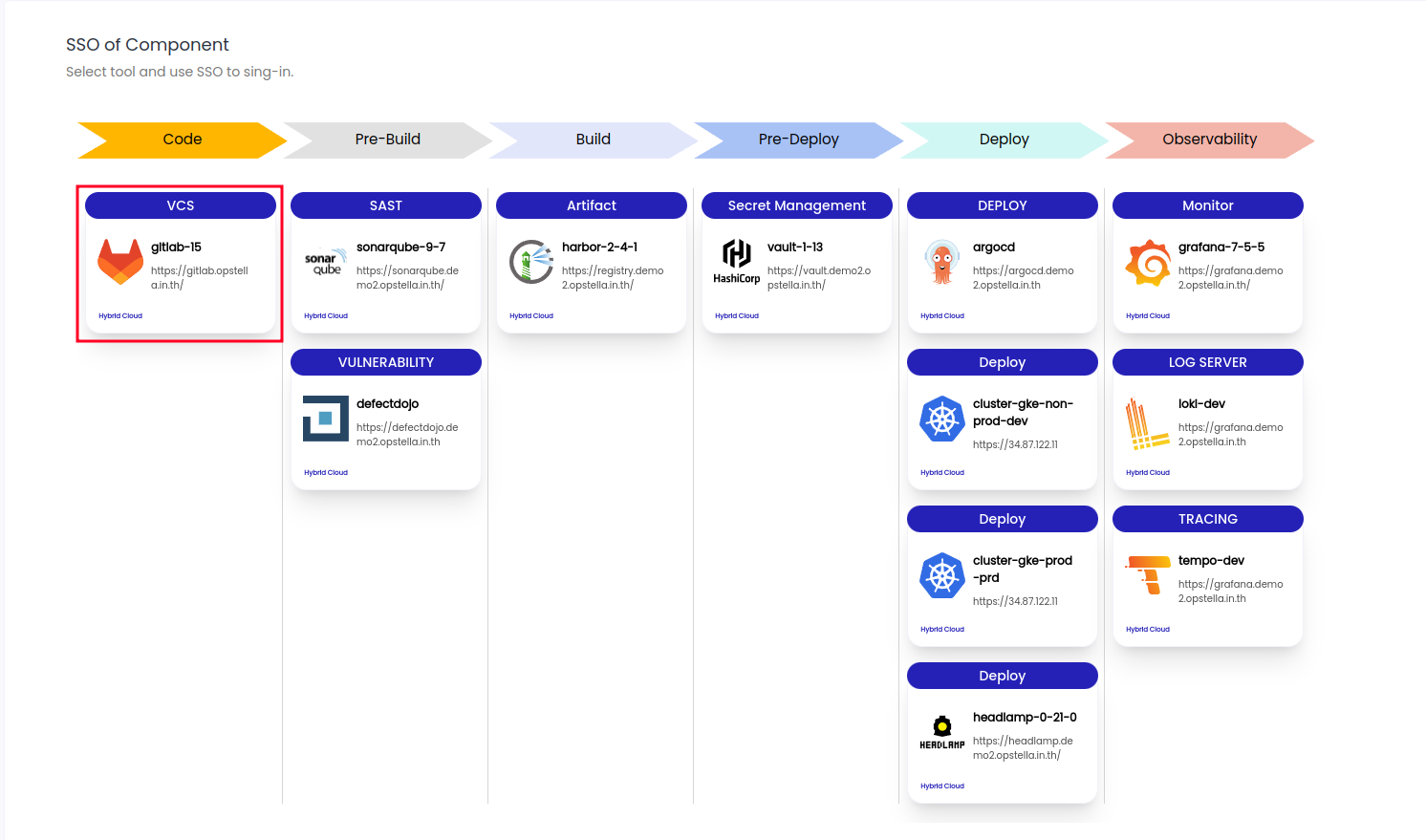
- กดเข้าไปที่ GitLab ในส่วน SSO
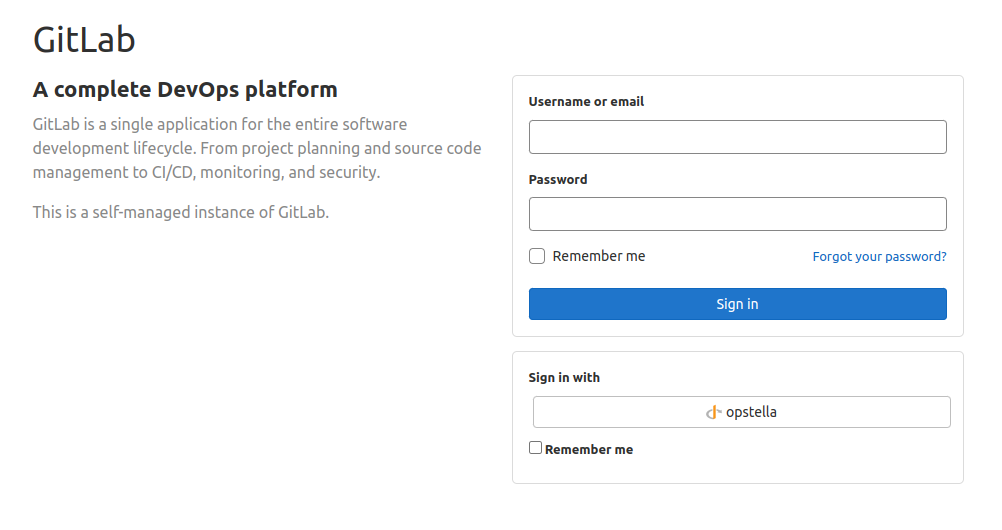
- ทำการ Login Gitlab
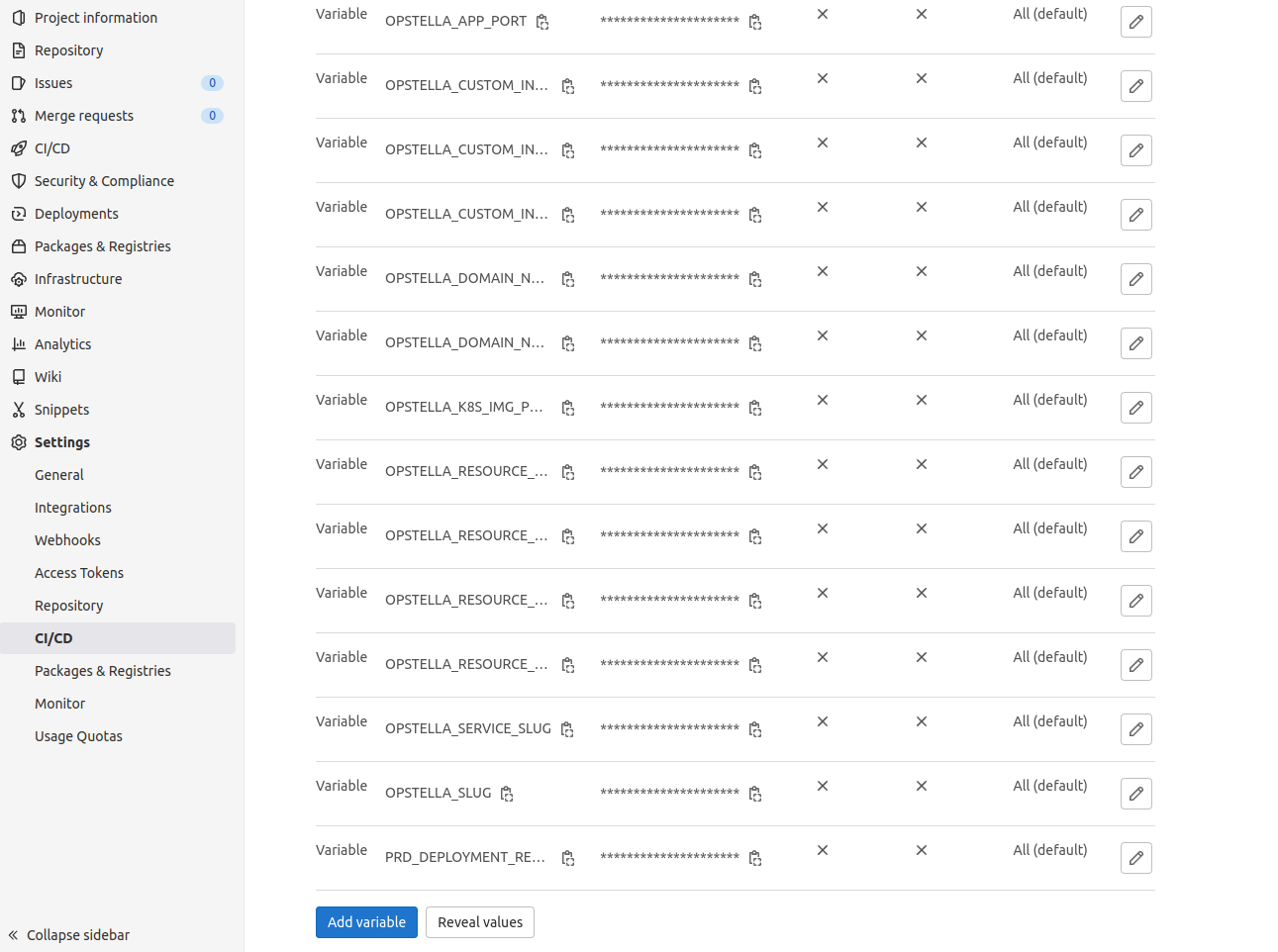
- เมื่อเข้ามาแล้วให้กดไปที่ เมนู CI/CD ด้านซ้ายมือดังรูป จากนั้นทำการกดไปเข้าที่ Variable
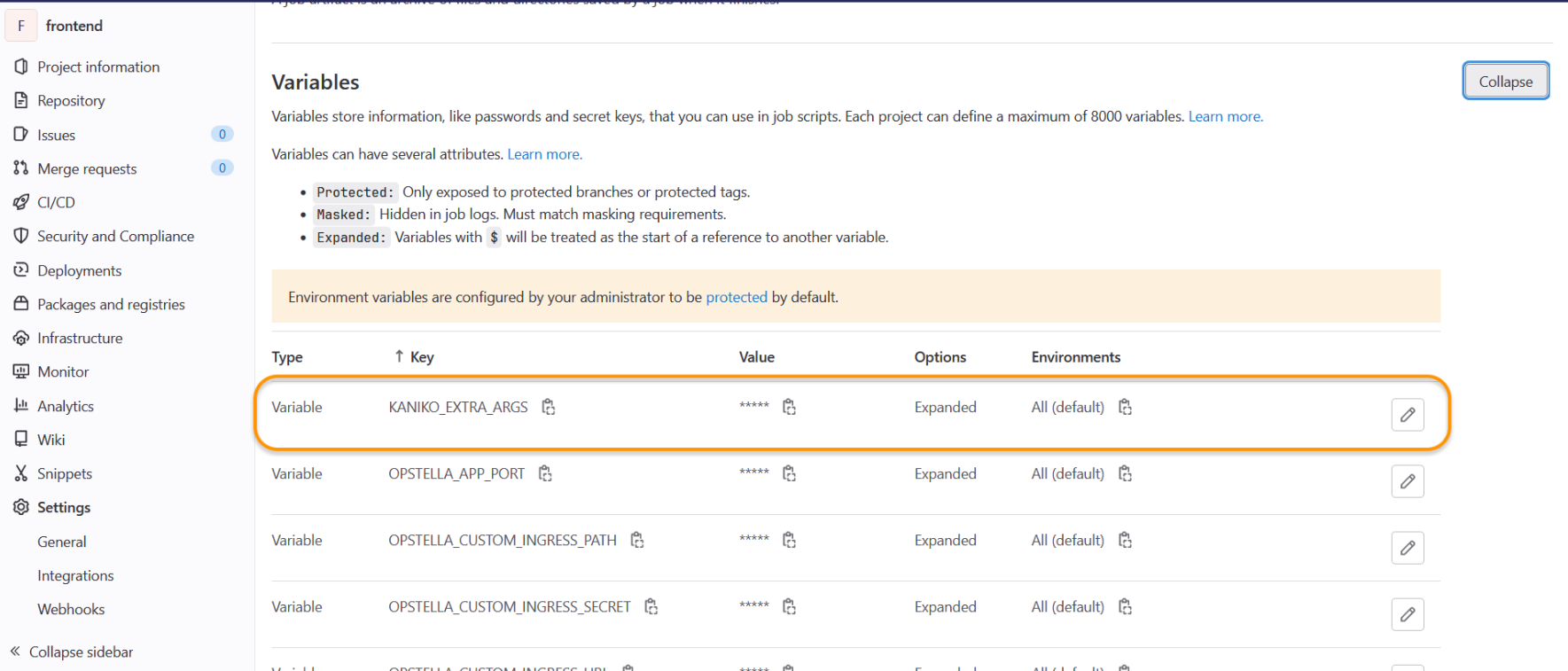
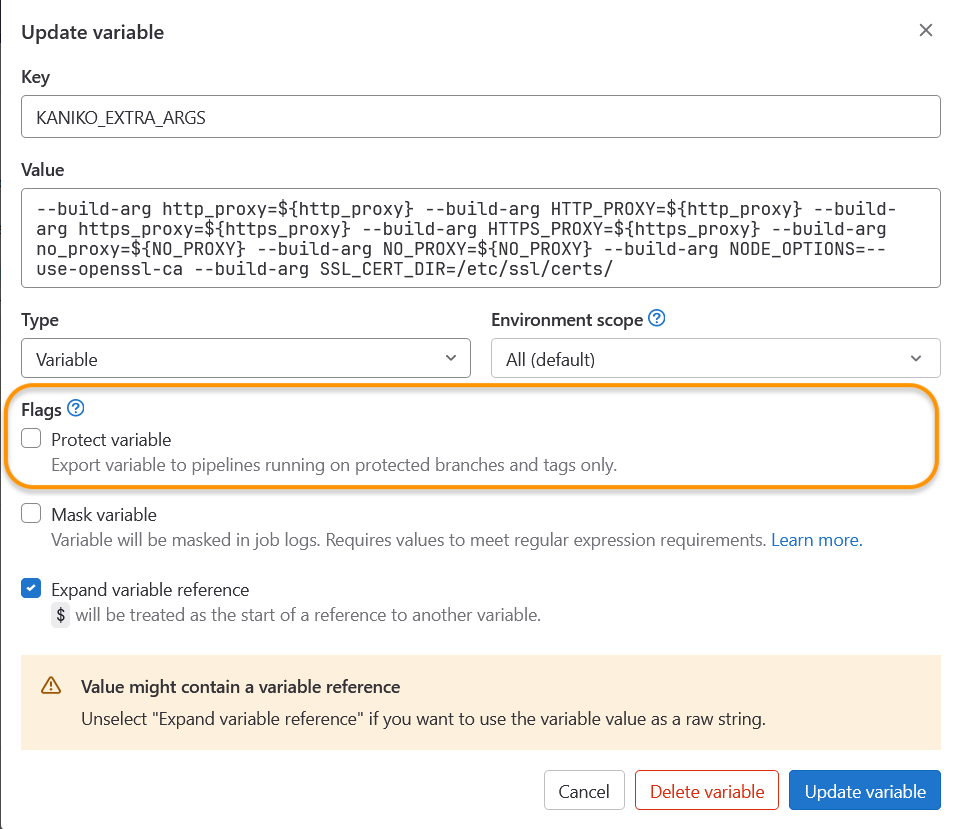
- ทำการ เพิ่ม Variable "KANIKO_EXTRA_ARGS" ที่ทำหน้าที่ในการ Set Proxy บน Repository
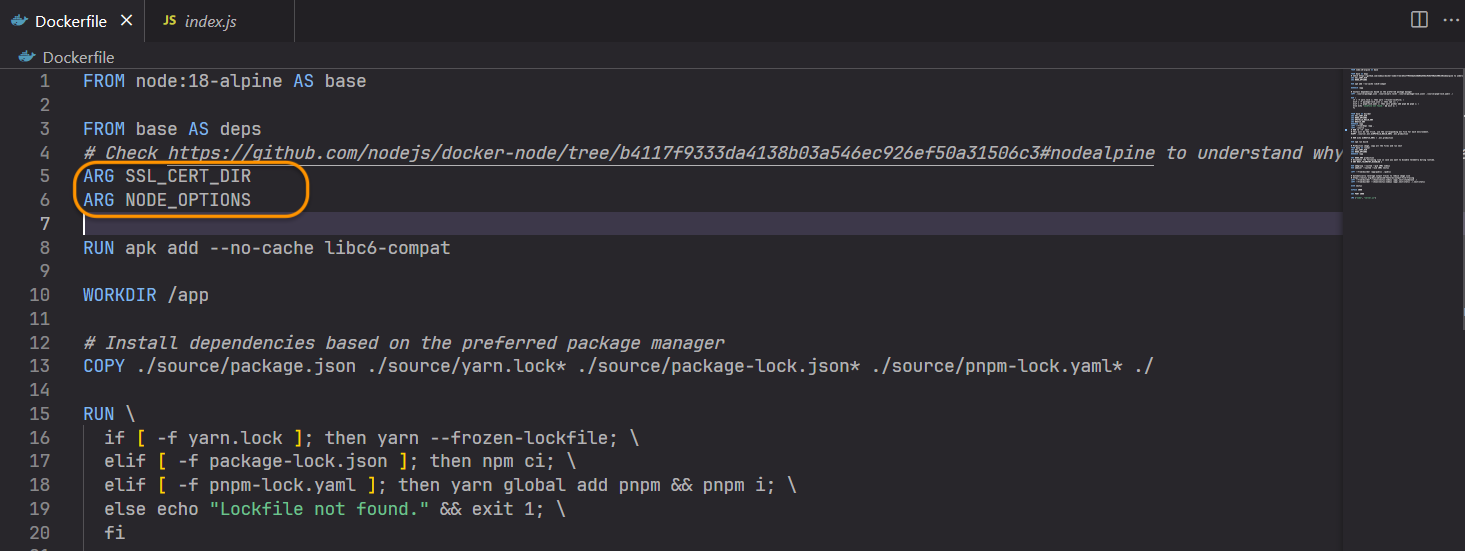
- ทำการเพิ่ม Arg บน Dockerfile ( SSL_CERT_DIR และ NODE_OPTIONS ) ดังรูป
- ทำการ Build Pipeline ใหม่อีกครั้ง